
Appointment Scheduling Software
Appointment scheduling software lets your clients book time with your team through a link—no back-and-forth email. PrimeBase ties bookings to your CRM so every appointment is linked to a customer record. You manage staff availability, send reminders, and keep the full history in one place.
Let clients book appointments onlineSee it in action
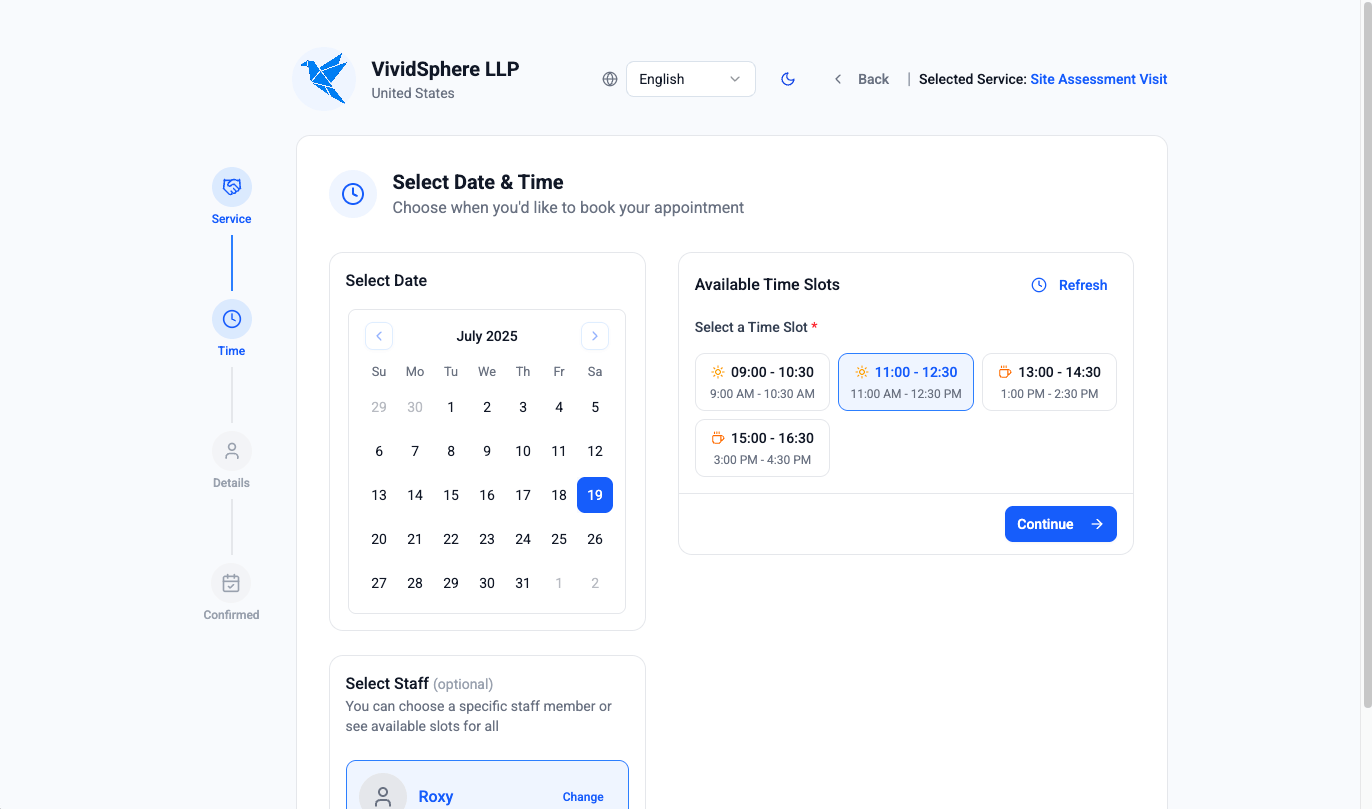
Client bookings
Share a booking link so clients can choose a time that works. You set availability by staff or service, and PrimeBase handles the rest. When someone books, you get a customer record (or link to an existing one) and the appointment on the calendar.
Staff availability
Define when each team member is available and what they offer. The booking page only shows open slots, so you avoid double-booking and manual scheduling. Updates to availability are reflected immediately for new bookings.
CRM and appointments together
Appointments aren’t floating events—they’re tied to customers. That means you see the full relationship: past appointments, notes, invoices, and projects. When the client returns, you have context without digging through another tool.
What you get in PrimeBase appointment booking
You define services and assign staff to each. Staff availability is set by day of week so the booking page only shows open slots. When a client books (or you create an appointment), you capture customer or guest name, email, and phone; the appointment links to a customer record if one exists or creates the link for follow-up. Appointments have status (scheduled, completed, cancelled) and stay on the calendar and on the customer. So appointment scheduling software, online scheduling, and client scheduling all live in one place with your CRM.
Related solutions
Go deeper with these workflows: